
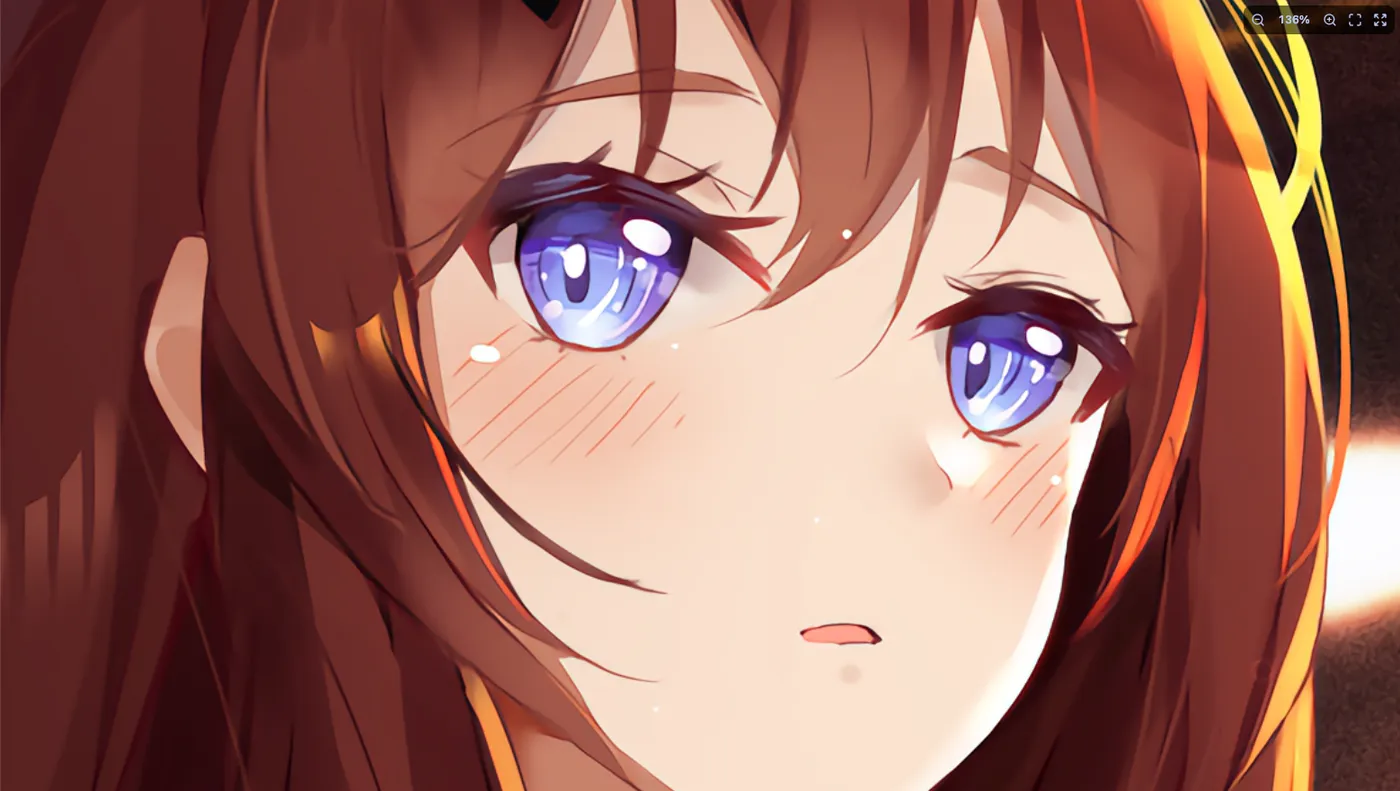
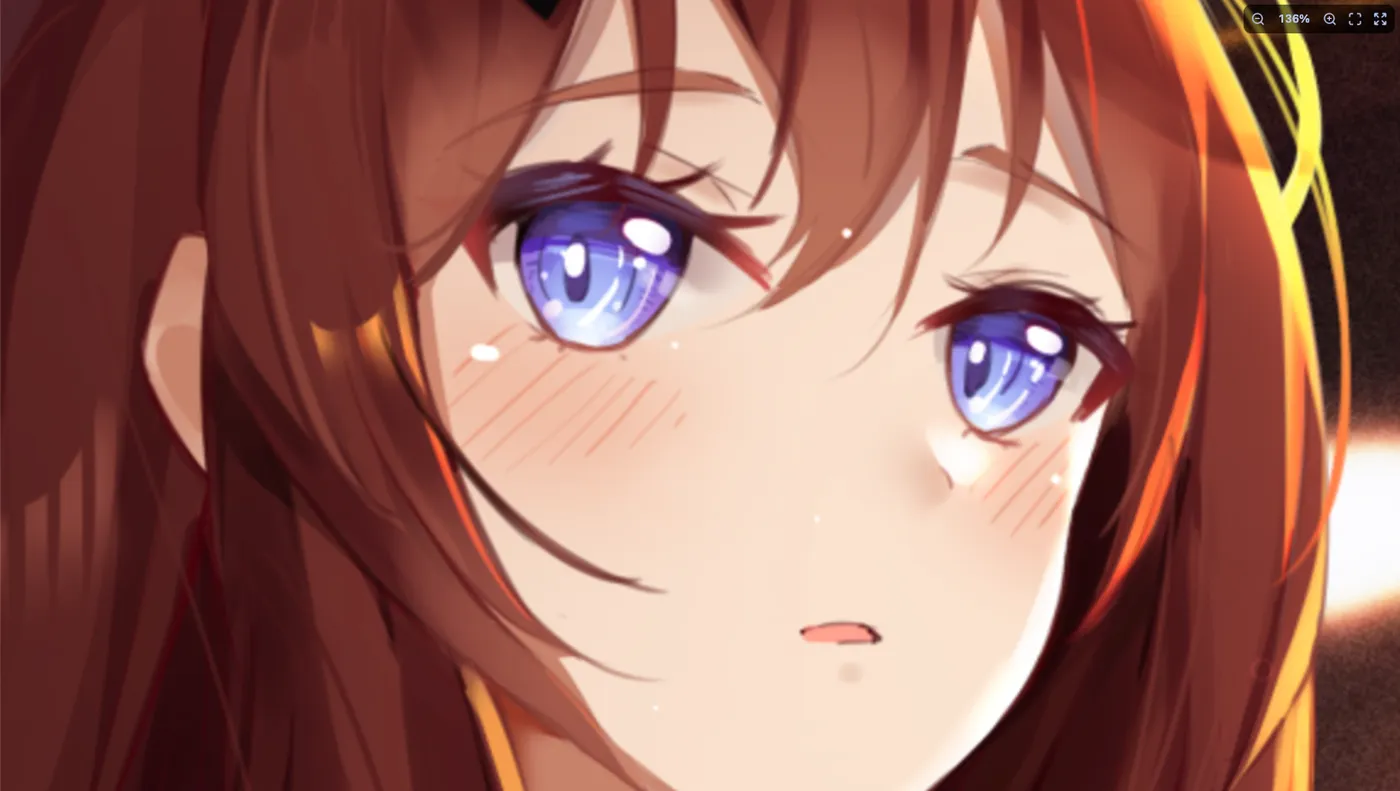
 Original×2
Art at ×2 and ×4
The photo editor cleans up and enlarges anime pictures with a neural network. Original on the left, result on the right.
Tools → Watch anime
Telegram bot + our own player
Search a huge anime catalogue, episodes from several sources and progress synced with your profile. Our own player with 4K upscaling, no ads and no subscriptions. Manga, light novels, cards and offline mode live in the same app.
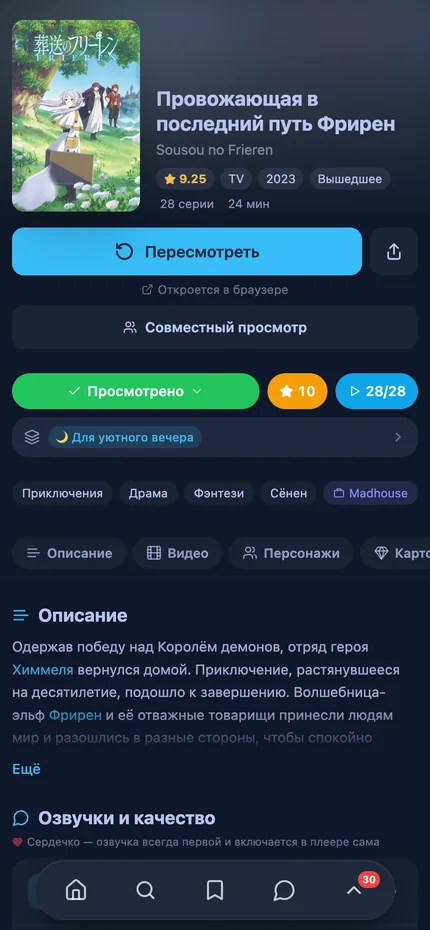
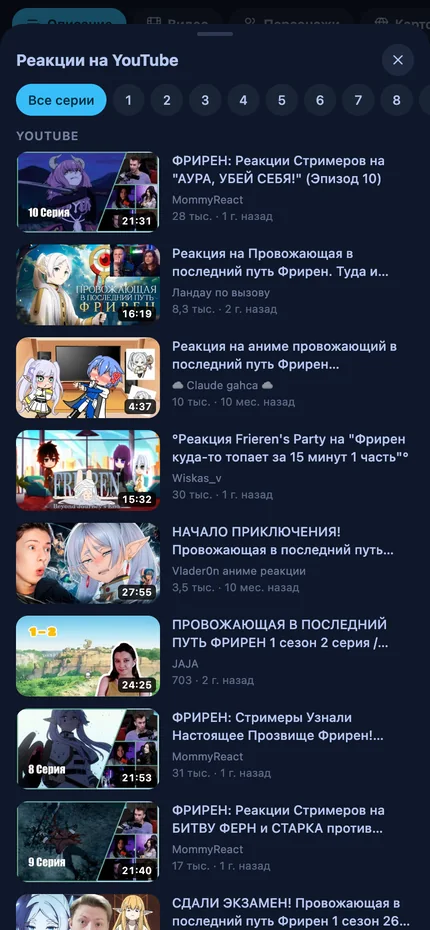
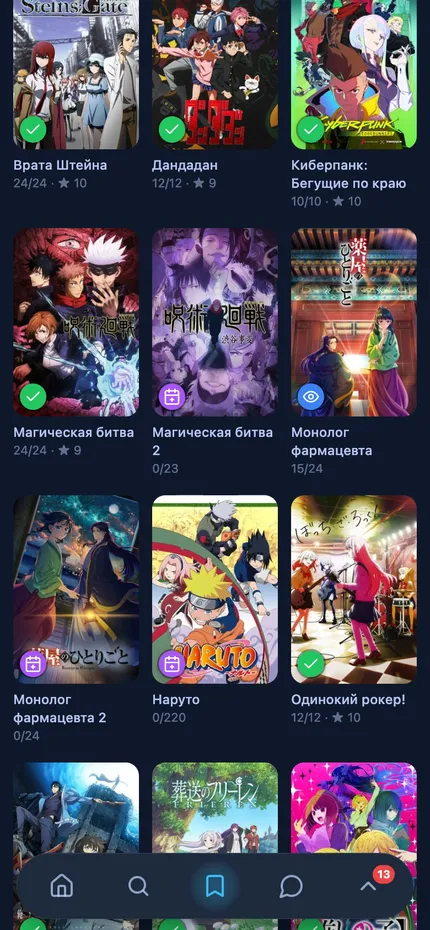
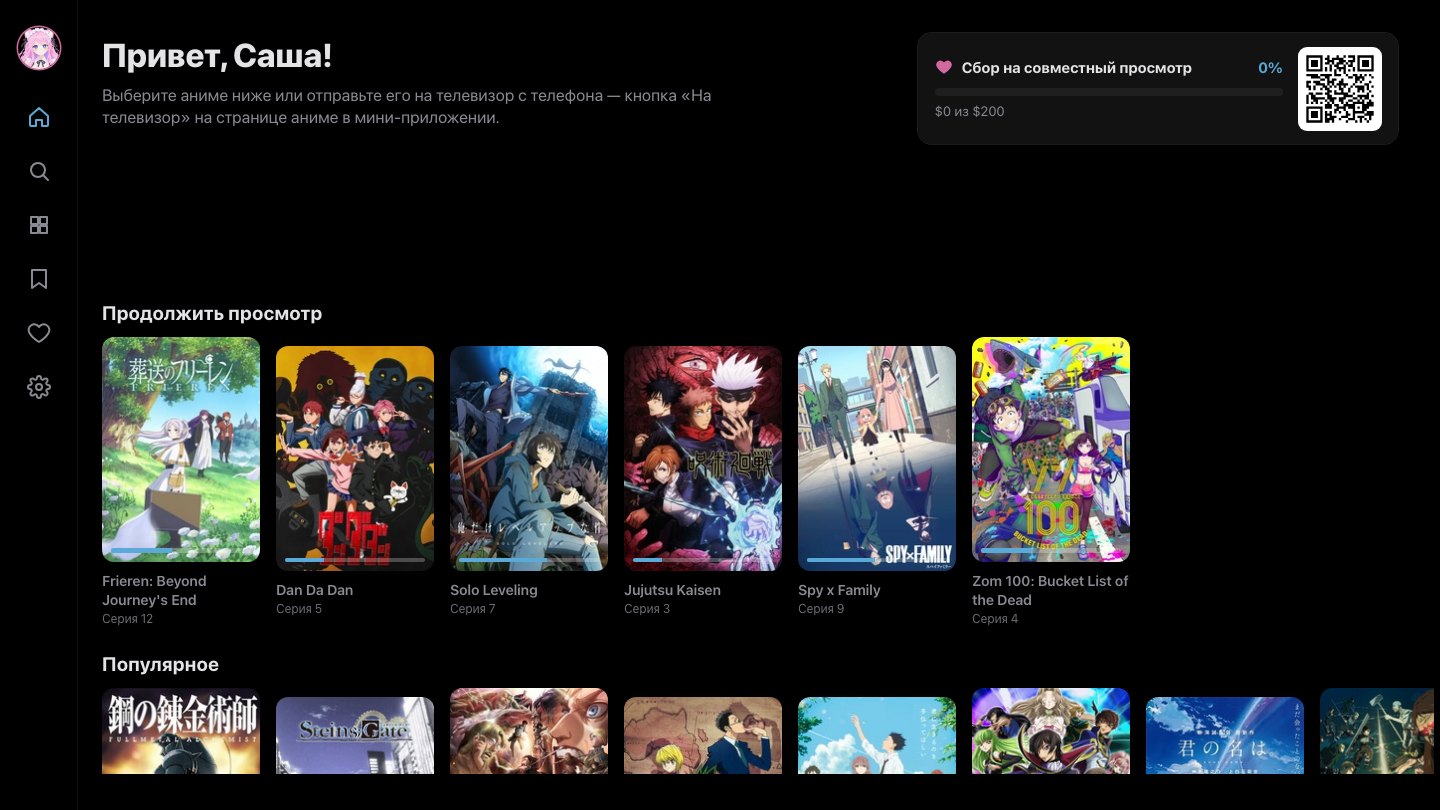
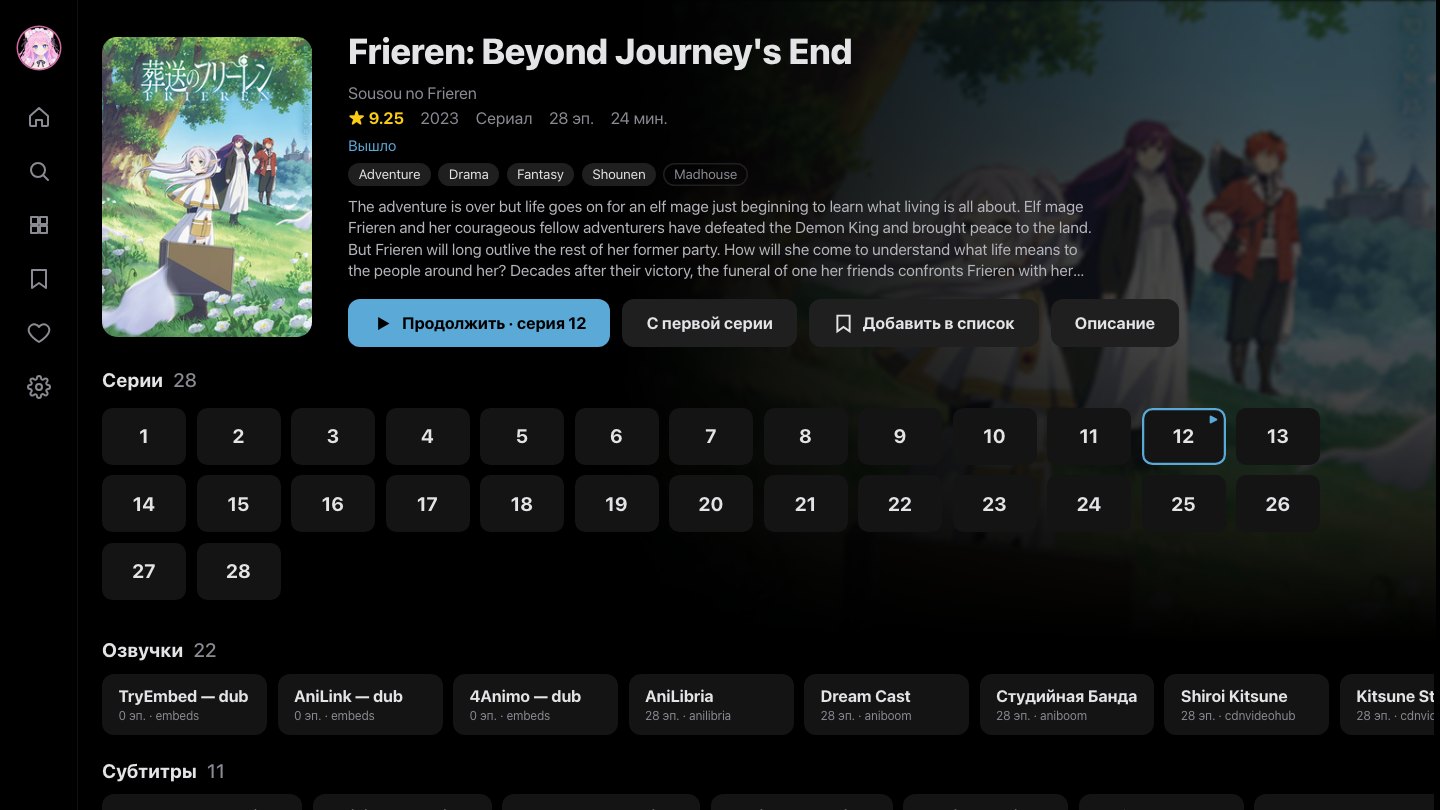
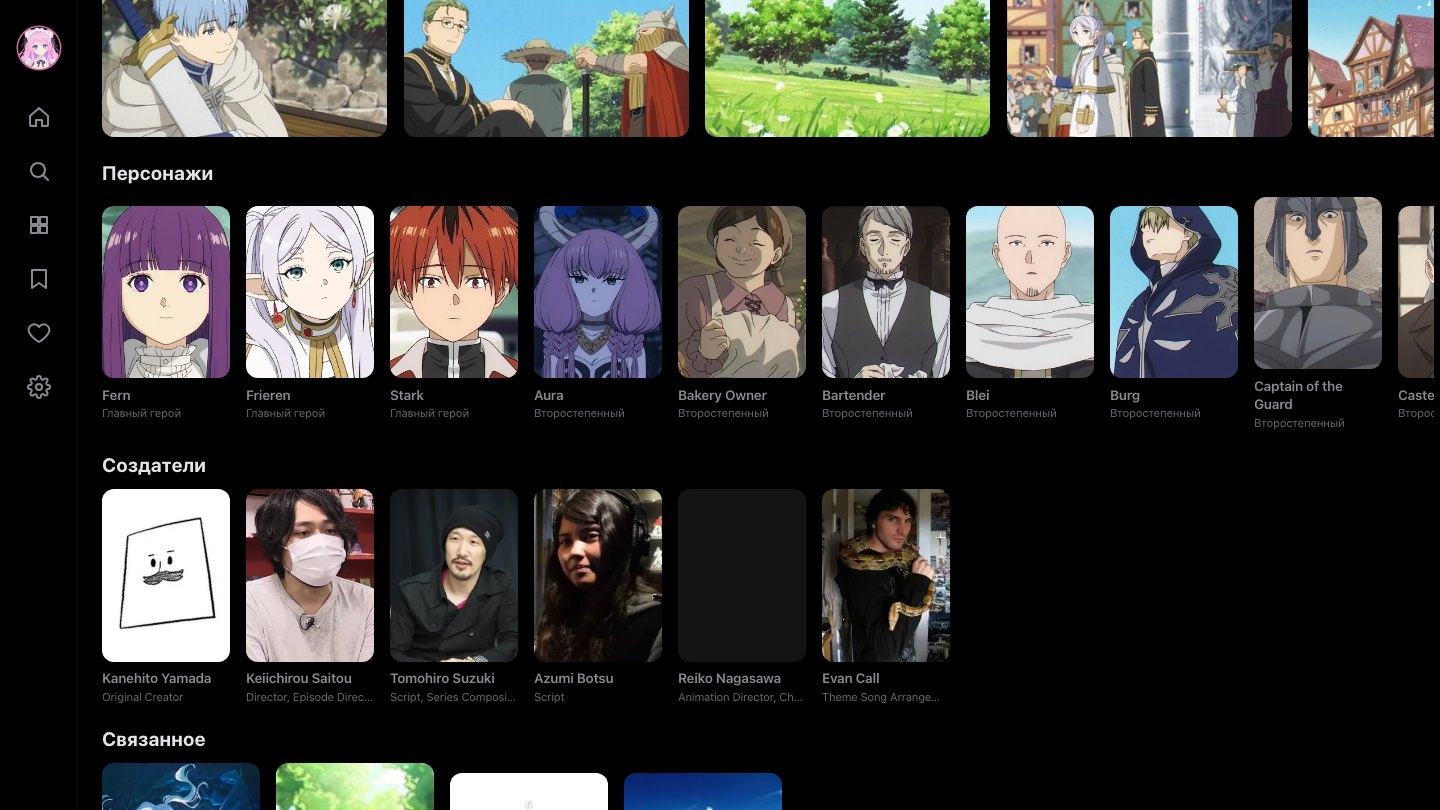
Our own app for Android TV and LG TVs (webOS): dark OLED theme, remote control, catalogue, your lists and “Continue watching”. Sign in with a QR code from your phone, views count in your stats, and you can send an episode to the TV with one button.
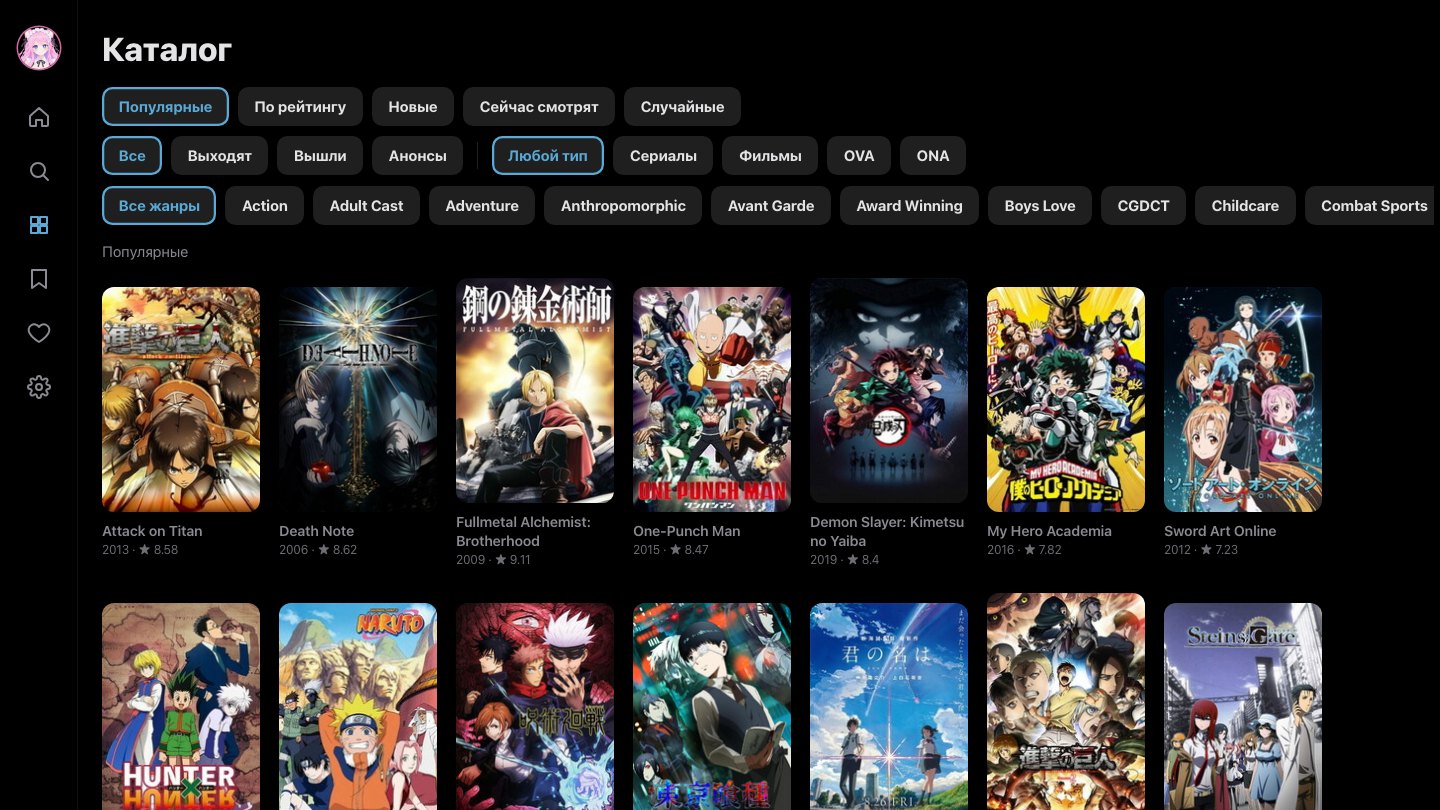
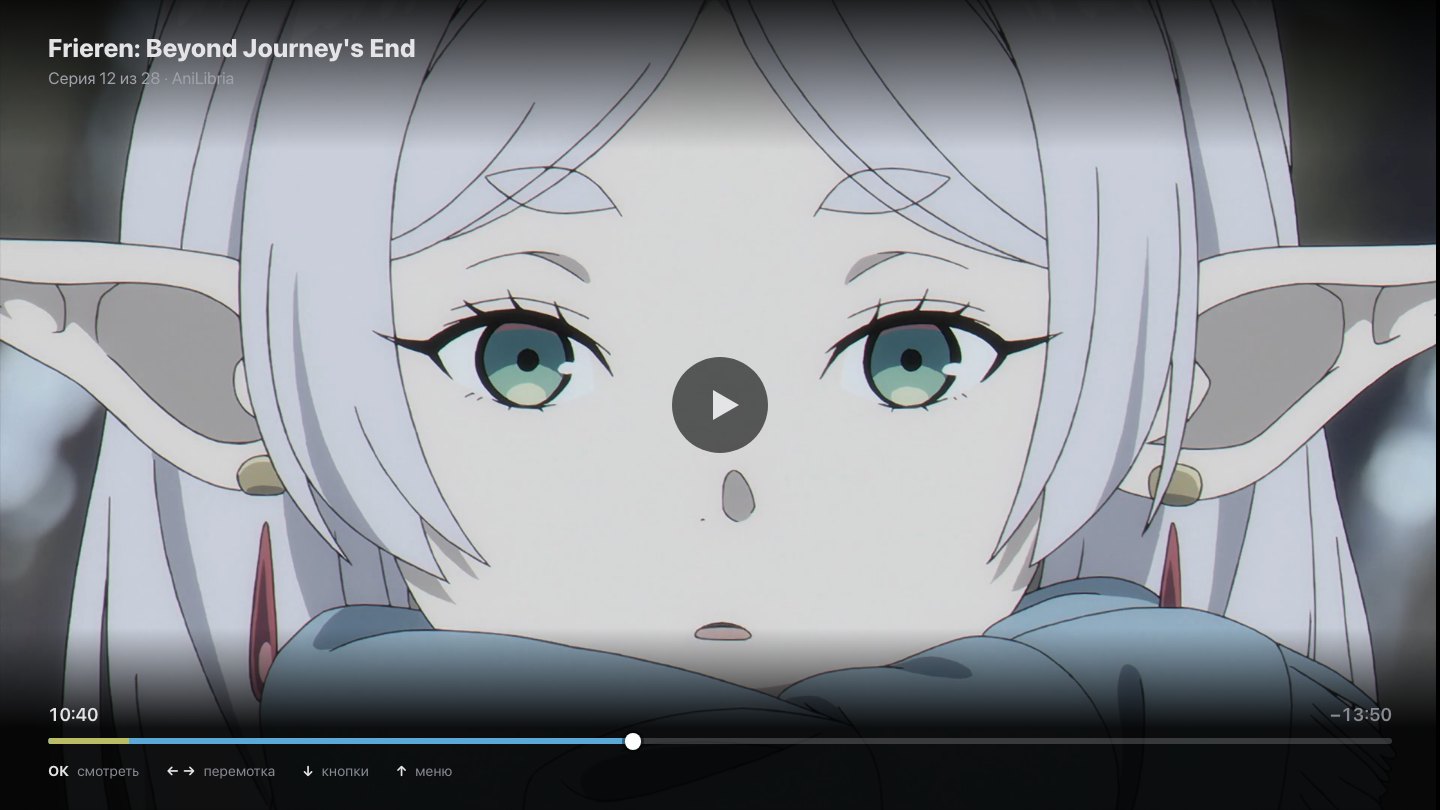
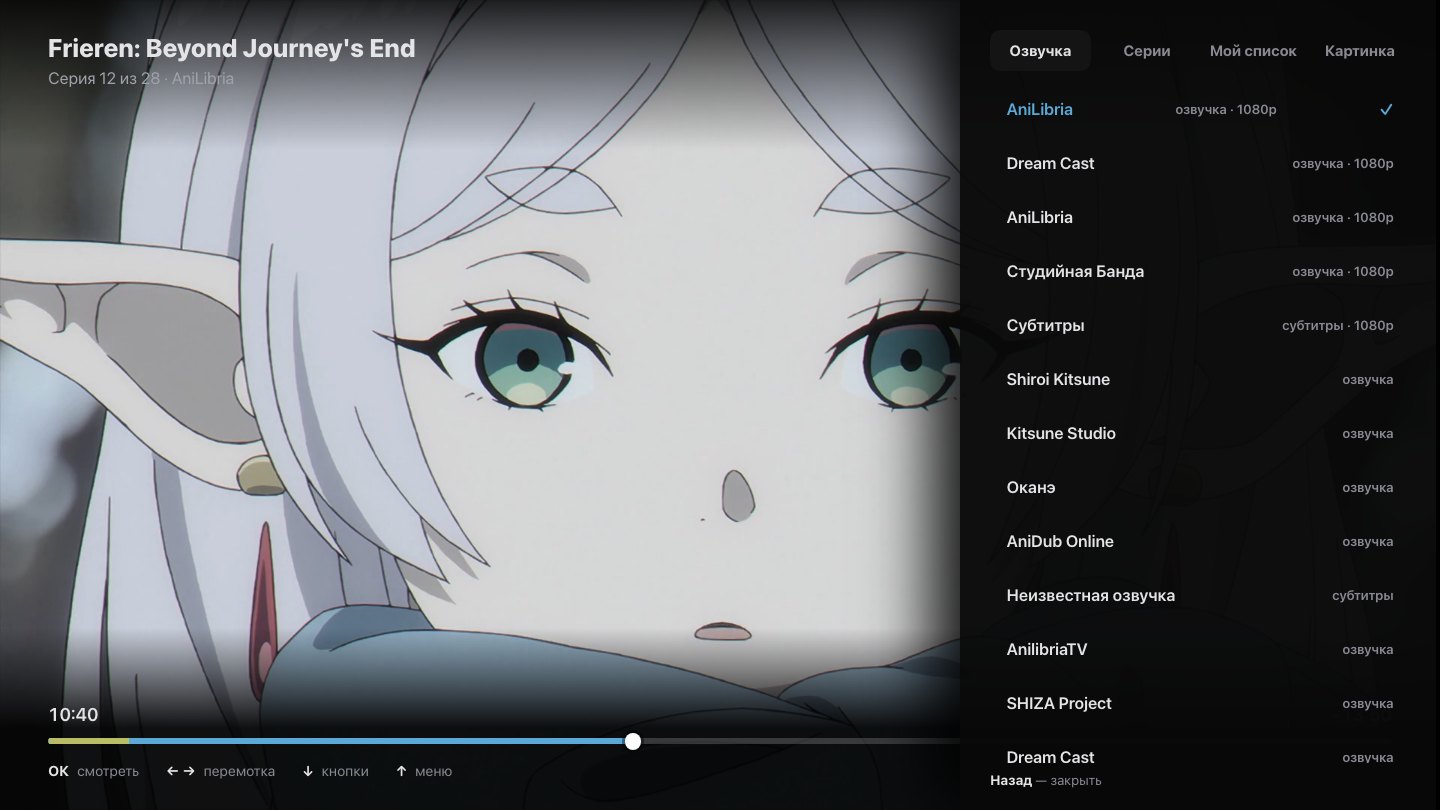
Point your phone camera at the QR code and the bot opens in Telegram. Nothing to install.
Or install the app on your phone — no Telegram, no VPN, progress shared with the bot.
Open anime card boosters, craft rare ones in the furnace, hunt for finds on the black market and bid at auction. Collect achievements and play: Tetris, rhythm to anime openings, sudoku, wordle and more — good play earns coins.
A room with a shared player: anime from the catalog or a YouTube, VK, Twitch or Rutube link. The host pauses or seeks — and the same happens for everyone. Create a room in the mini app and send your friends the code.
0 rooms live · 0 viewers online
No public rooms yet
Original×2The photo editor cleans up and enlarges anime pictures with a neural network. Original on the left, result on the right.
Tools →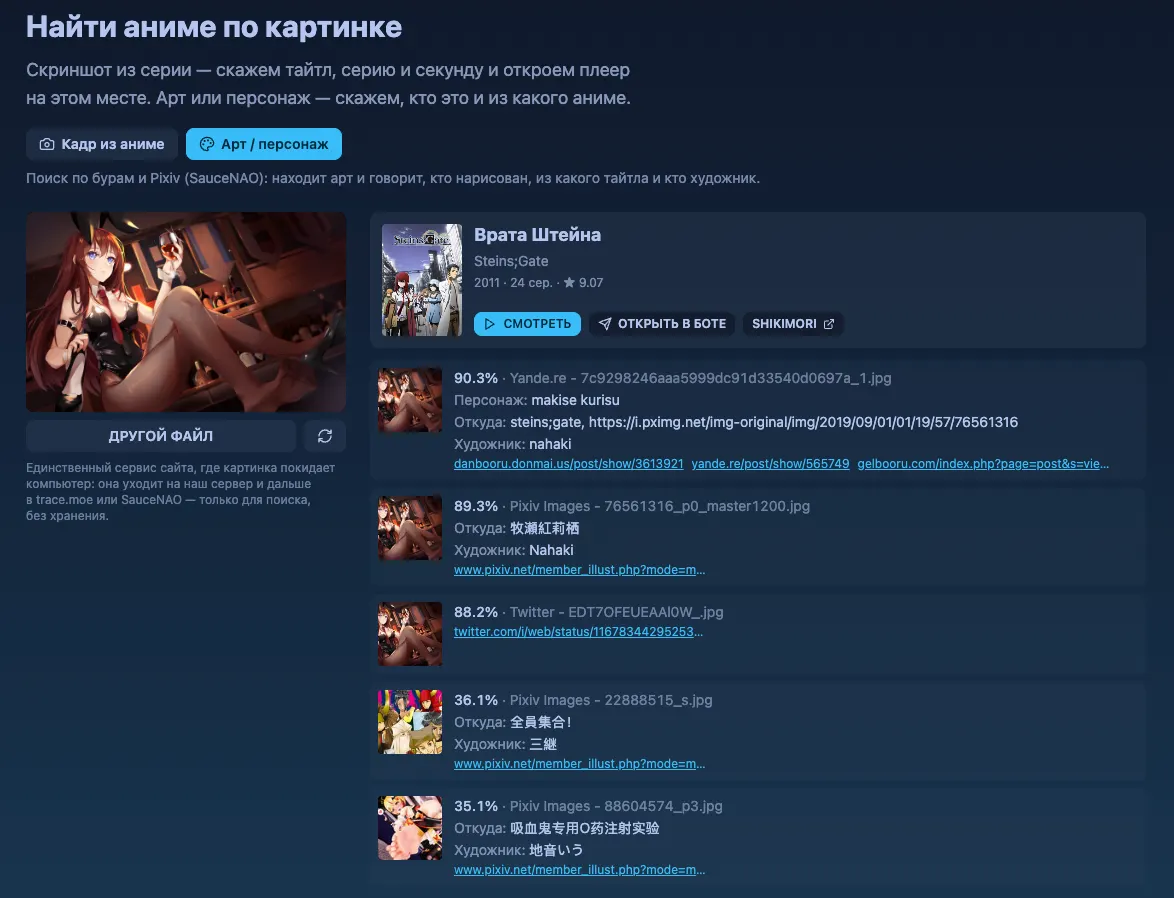
A frame gives you the title, episode and second. Art gives you the character, title and artist. With a link to watch right away.
Tools →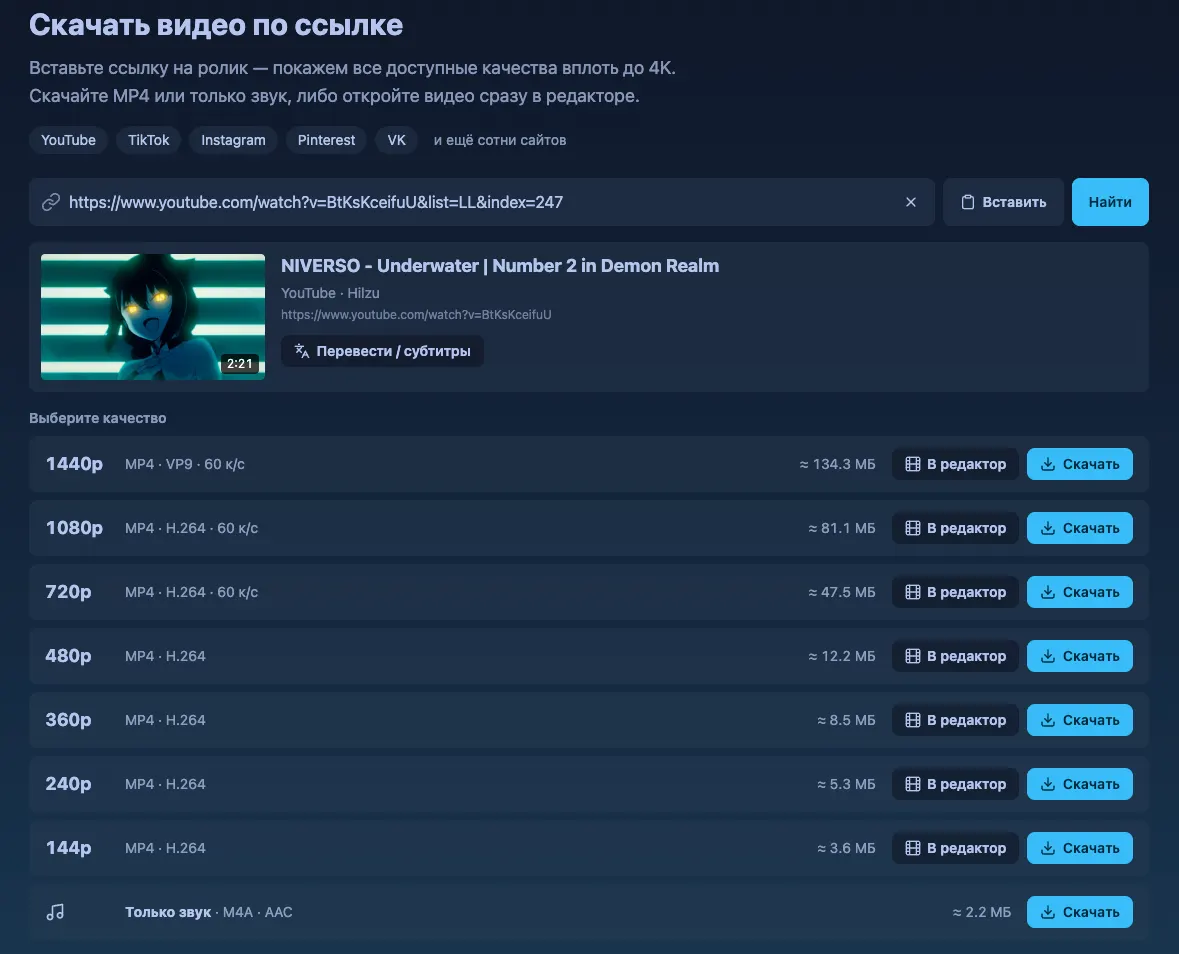
YouTube, TikTok, Instagram, VK and hundreds more: any quality up to 4K, or audio only.
Tools →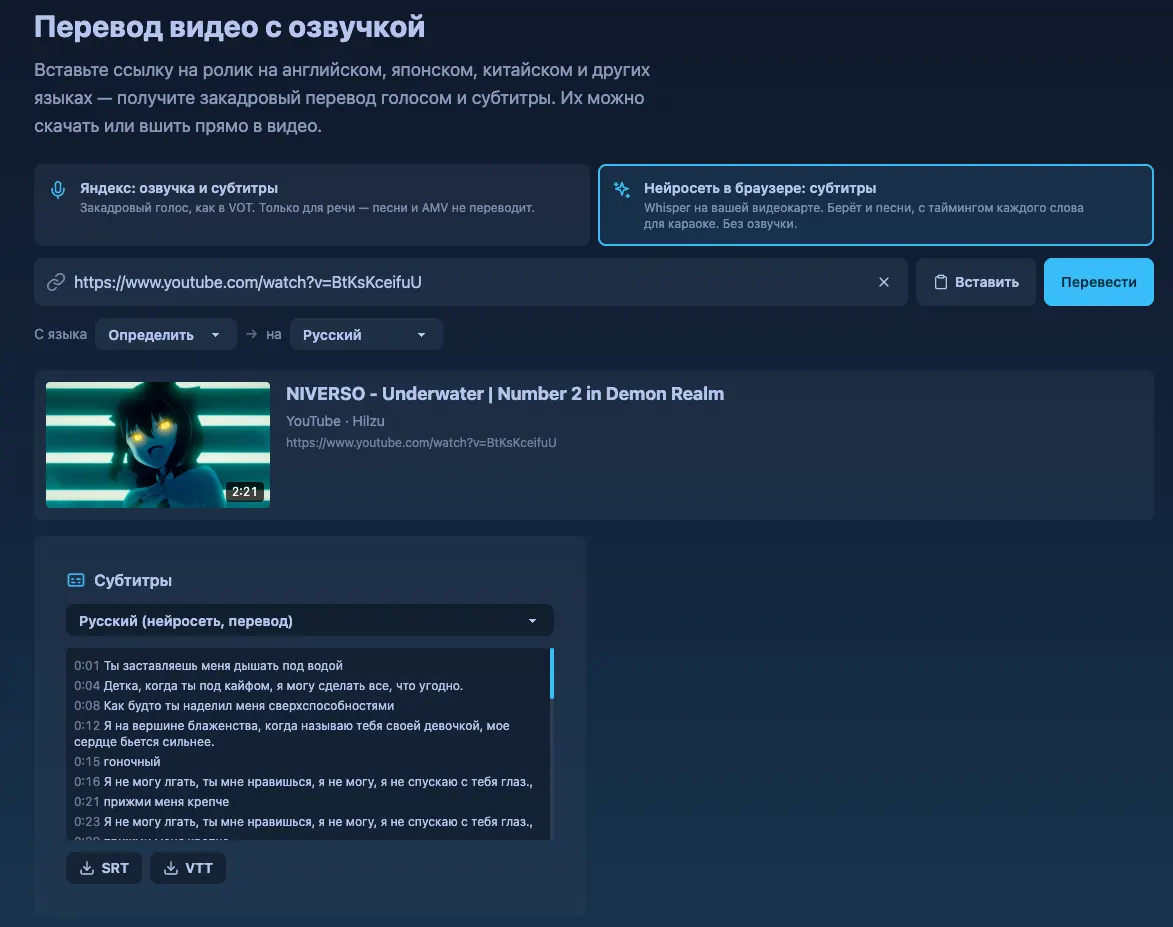
Russian voice-over and subtitles from a link to the video. Download the subtitles or burn them in.
Tools →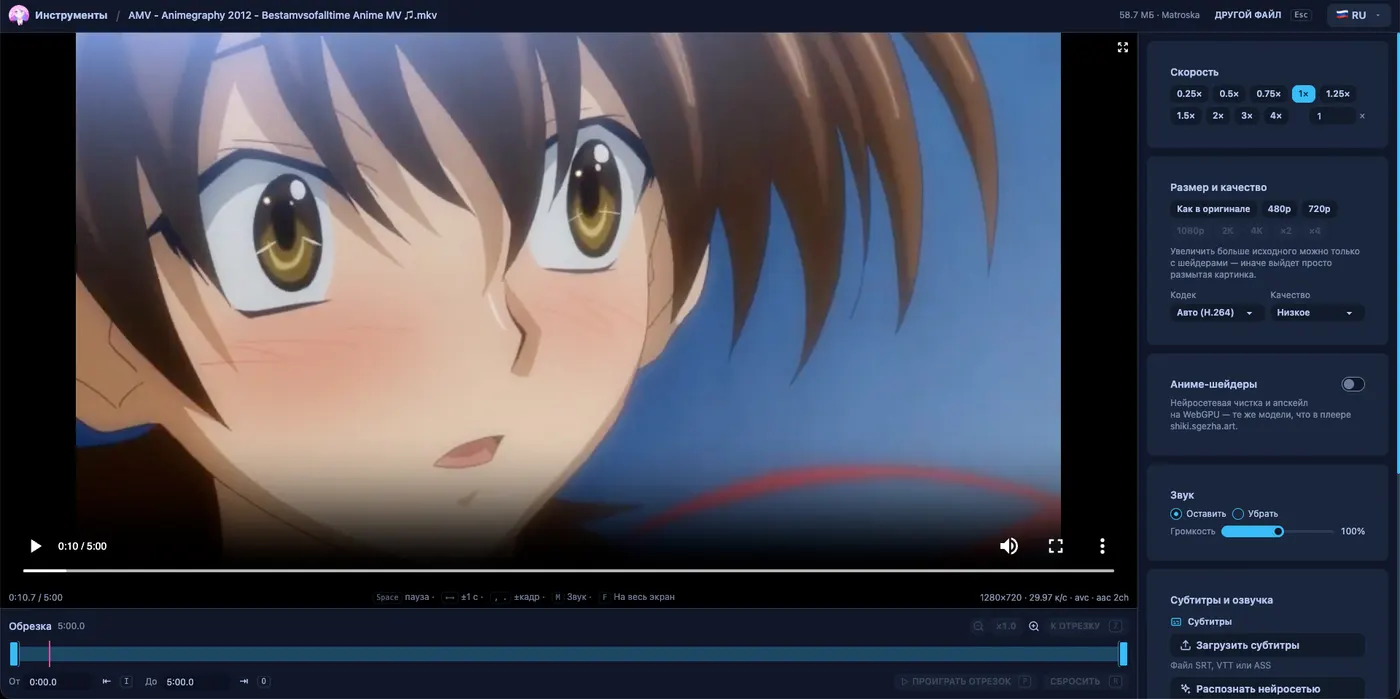
The same networks for your own clips: a before/after slider and rendering to a file up to 4K.
Tools →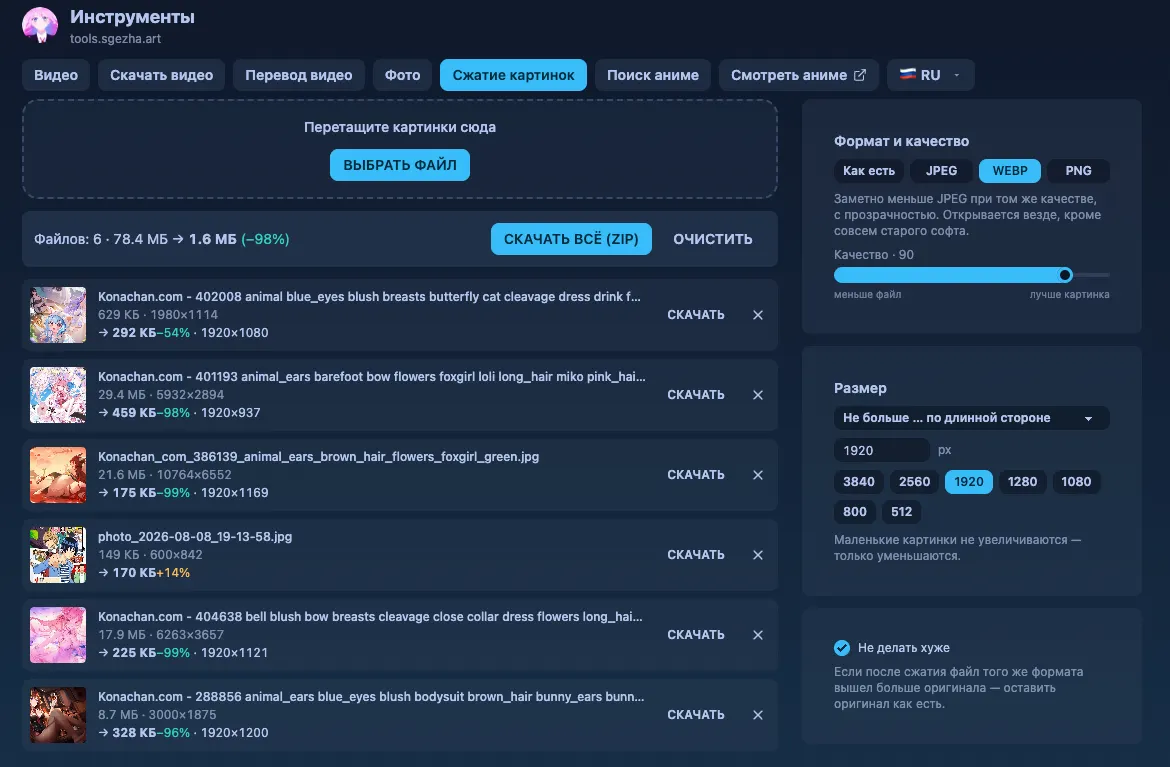
As many images as you like: format, quality and size, then one click for a zip.
Tools →Find a title by name, frame or artwork — the whole anime catalogue with ratings and synopses.
Episodes come from several sources: if one lacks the dub you want or is down, there are others.
The player opens via a single-use link on desktop and phone. Progress is shared: stop here, continue there.
The player remembers the second you stopped at and continues from there. Finished episodes are marked in your list automatically.
Neural upscaling on WebGPU right in the browser: CuNNy, ARNet, ArtCNN and Anime4K models, up to 2K/4K. There is a side-by-side comparison mode.
A room with a shared player: anime from the catalog or a YouTube, VK, Twitch or Rutube link. The host pauses or seeks — and the same happens for everyone. Create a room in the mini app and send your friends the code.
No banners, no pre-roll, no paid tiers. That is how it started and how it stays — there is nothing to pay for here.
Your identity comes from the bot through a single-use link. The Shikimori token never reaches the address bar or the browser.
A separate tools site: everything runs in the browser, nothing is uploaded.
Yes. Watching, manga, upscaling, cards and games have no subscriptions and no ads. Coins for boosters and cosmetics can be earned in games or bought: see the Pricing page. The project runs on donations: there is a Support button in the bot.
Anywhere with Telegram or a browser: phone, computer, tablet. The bot and mini app live in Telegram, episodes open in the browser. There is also our own app for Android (.apk) and iPhone (.ipa) that works without Telegram or a VPN.
No, you can start watching right away. Connect Shikimori, MyAnimeList or AniList and finished episodes and scores go to your lists automatically.
The CuNNy, ARNet, ArtCNN and Anime4K networks run on your graphics card right in the browser via WebGPU. Chrome or Edge, Safari 26+ and Firefox 141+ on Windows will do.
From several sources at once: if one lacks the dub you want or is down, another has the episode. The video itself is hosted by third-party services.
Nowhere: the video editor, photo editor and compression run entirely in your browser. The server is only used for downloading from a link, frame search and translation.
Yes. Downloaded episodes, manga and light novel chapters and your own video files open without a network: Settings → Offline, with an "Upscaling without internet" button. The Android app starts from a saved copy, and ratings and statuses are sent once you are back online.
Yes, the reader is built into the app: chapters with progress, bookmarks and downloads for offline reading. Find titles in the catalogue under the Manga tab.